Game review
Painting PC
7.5 / 10
- Developer
- Oisoi
- Publisher
- Oisoi Studio
- Released
- 26 June 2026
- Platforms
- Windows
- Genre
- Casual, Indie, Simulation
- Monetisation
- paid
- Players
- false
The short version
Biggest strengths
- A genuinely relaxing free-painting experience with realistic-feeling brush textures that reviewers repeatedly praised for how easy it is to lose track of time in
- A light but satisfying commission-and-reputation career loop that gives painting a clear sense of purpose without turning into a demanding management sim
- Comedic, deliberately unpredictable client reactions to finished artwork, adding a light layer of humor and uncertainty to what would otherwise be a purely mechanical objective system
Biggest weaknesses
- Canvas control limitations, including an inability to shift or reorient the canvas while zoomed in, which multiple reviewers found disruptive to their workflow
- Minor bugs surfacing over extended play sessions, including inconsistent pen-tilt detection and other small interface quirks
- Individual tool adjustability gaps, such as a sponge tool some reviewers wished had more configurable settings
Who it's for: Anyone looking for a relaxing, low-pressure painting sandbox with just enough structure to give creativity a purpose, from casual dabblers to artists who own a drawing tablet
Our recommendation: recommended
7.5 / 10
Painting with a purpose, not a syllabus
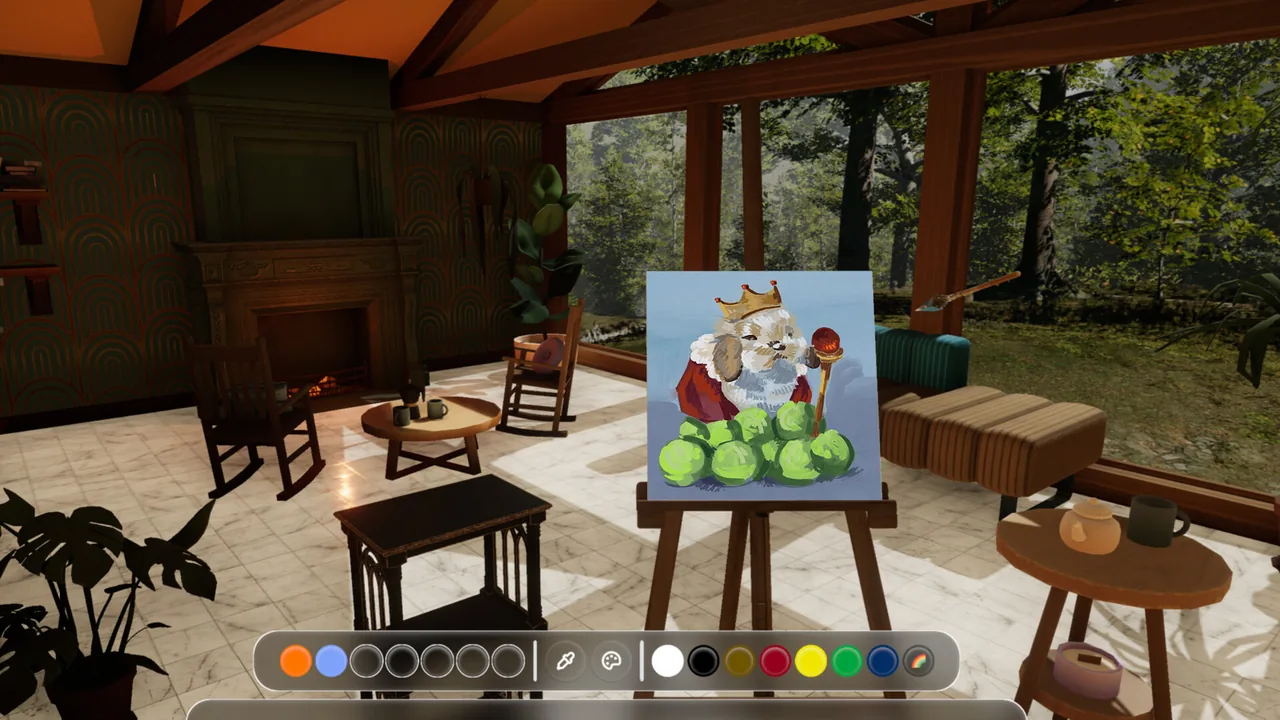
Painting PC positions itself as a creative sandbox first and a career simulator second, giving players a mostly-empty studio, a set of freeform painting tools, and a gentle structure of commissions to complete along the way. The pool's most detailed review captured the balance well: "Its concept is deliberately accessible, favoring playful experimentation over the technical complexity associated with professional art programs... [it] does not need an elaborate management model because excessive complexity could undermine the relaxing creative environment it is trying to establish." That framing, structure in service of relaxation rather than the other way around, runs consistently through the entire review pool.
A loop reviewers describe losing hours to
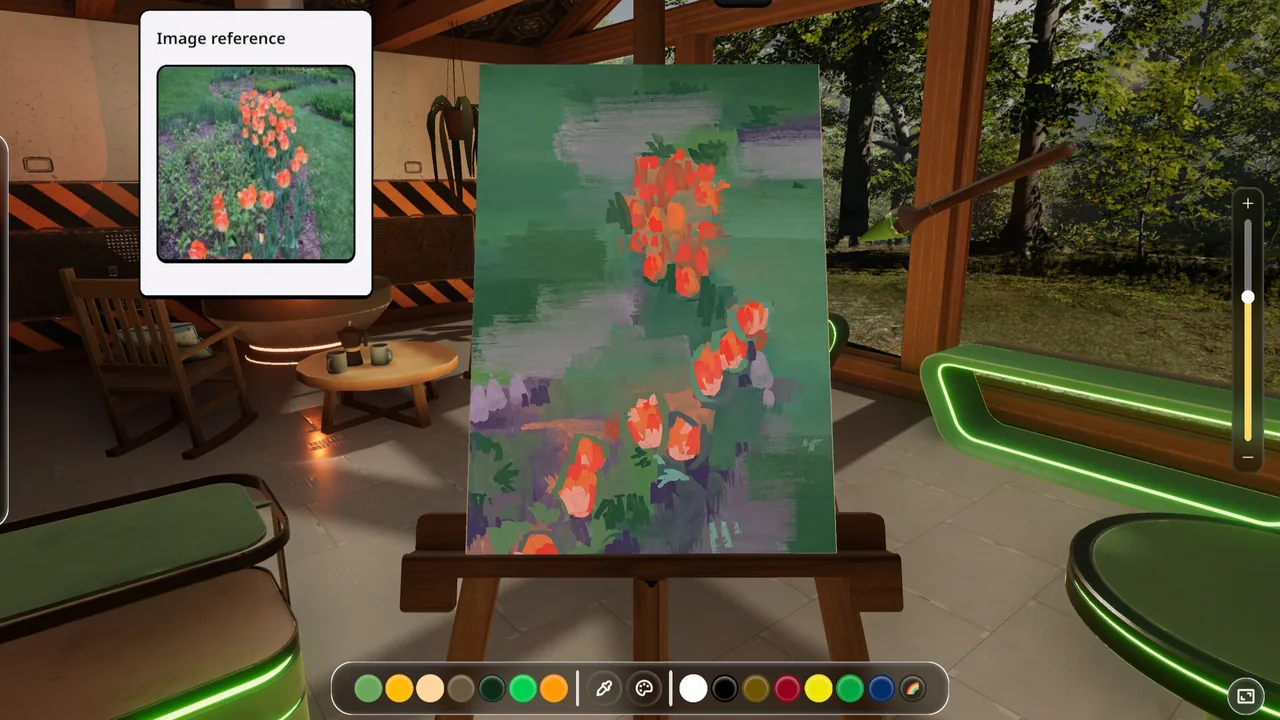
The most immediate praise centers on how genuinely relaxing and absorbing the core painting loop is. One reviewer wrote simply, "This game is so relaxing and enjoyable!! I've done two paintings/orders. The requests are creative!" Another, describing themselves as an artist who normally struggles to stay focused, offered a more detailed account: "I normally find it very difficult to keep a momentum going when drawing, but fortunately this game really eases you into a relaxing environment, with some peaceful music to boot... I found myself spending a lot longer on pieces than I normally would." A separate reviewer praised the physical feel of the brushes specifically: "the textures of the paint are so realistic and its incredibly relaxing to just sit and draw something dumb!"
Commissions with a sense of humor
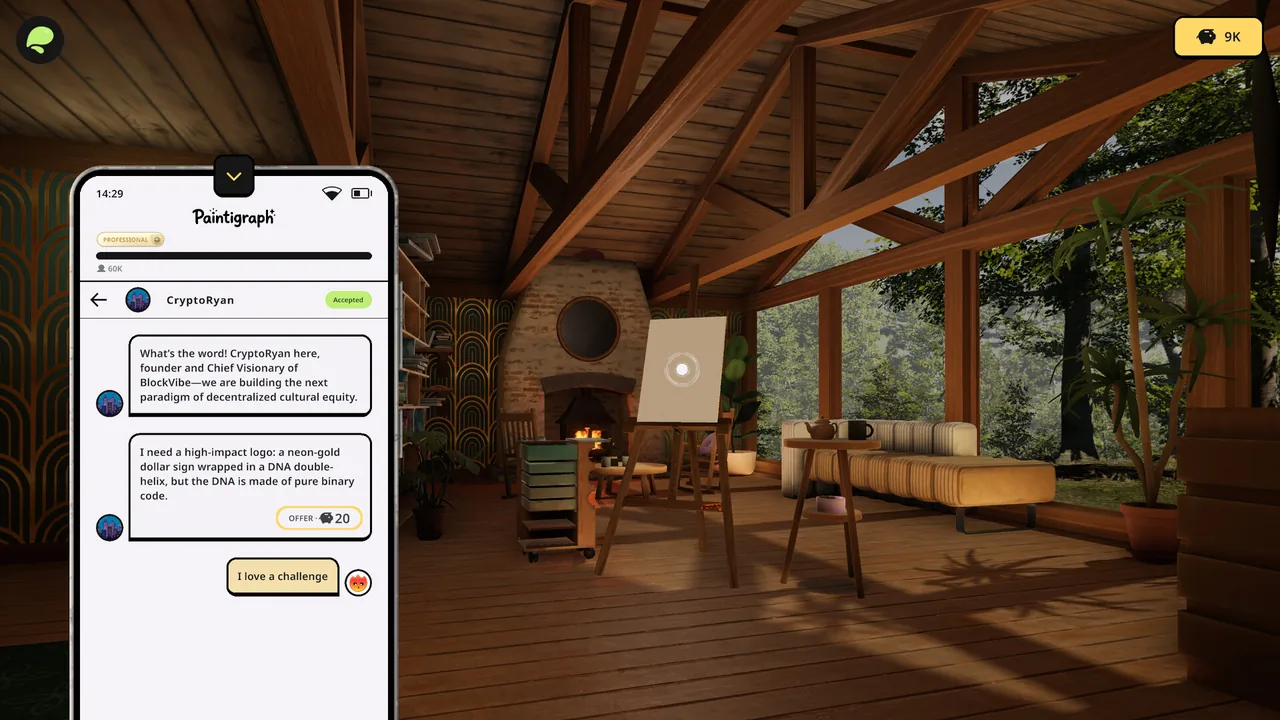
Beyond the raw painting feel, reviewers credited the commission system for giving creative sessions a light but genuine structure. The pool's longest review highlighted a specific design choice that keeps commissions from feeling mechanical: "the unpredictable response of customers... a creation that seems questionable might receive unexpected appreciation, while something the player considers impressive may not necessarily produce the anticipated response." That same review praised how the game layers progression on top of this loop, through a fictional social platform for building a following, unlockable tools tied to popularity, and studio decoration paid for with commission earnings, concluding that "a studio gradually filled with personally selected furnishings communicates advancement more effectively than a simple numerical balance."
Real tablet support, not an afterthought
A specific, recurring point of praise concerns how well the game supports external drawing hardware. One reviewer wrote that the game "works surprisingly great with my cintiq pro 24," while another said trying the game "made me want to dig out my wacom art tablet that I haven't touched in almost a decade." That kind of specific hardware compatibility praise, from reviewers who clearly have real experience with professional or semi-professional art tools, is a meaningfully stronger signal than generic "it feels nice to paint in" comments, since it suggests the underlying input handling is genuinely solid rather than just serviceable for a mouse.
Small friction points in an otherwise smooth canvas
Set against that praise, a handful of specific, concrete complaints recur. One reviewer flagged a canvas-control limitation directly: "Not able to adjust the canvas horizontally or vertically when zooming in, it kinda disturbs the experience." Another reviewer, otherwise glowing about the experience, wrote, "I wish the sponge tool was adjustable and theres a few small bugs that you'll notice if you sink a huge chunk of time into it," adding a specific complaint about pen support: "the auto tilt is a bit dodgy (selecting it in the main menu doesnt work)." These are narrow, tool-specific gaps rather than fundamental design problems, and none of the reviewers who raised them withdrew their overall recommendation as a result, but they're worth flagging plainly for anyone considering the game primarily as a serious digital-art tool rather than a cozy sandbox.
Knowing what it isn't trying to be
The pool's most analytical review was careful to frame the game's simplicity as an intentional trade-off rather than a shortfall: "Anyone expecting an extremely sophisticated professional illustration suite may find its approach too playful, while players seeking a deep economic or business-management simulator are unlikely to encounter the complexity associated with dedicated management games." That's an honest, useful framing for prospective buyers. Painting PC isn't trying to replace Procreate or Clip Studio Paint, nor is it trying to be a deep business sim; it's positioned specifically as a relaxed creative sandbox with just enough structure to keep players coming back, and reviewers overwhelmingly judge it as succeeding on those specific terms.
A good gift, according to the people receiving it
A distinctive pattern threads through several reviews: the game being received as a gift rather than sought out directly, and landing well specifically because of that low-pressure framing. One reviewer wrote, "my boyfriend got me this as a gift and let me tell you... as an artist, this game is really helpful with letting loose and just enjoying the moment!" Another described a similar path in: "Omg I love this game! I haven't been into art for a good couple of years, but I decided to try it anyway because it's one of the best painting games I've ever seen... Thank you to my friend who gifted me this for my birthday." That recurring pattern is worth noting on its own terms, since it suggests the game's approachable, judgment-free tone succeeds at drawing back in people who'd drifted away from creative hobbies, not just retaining players already deep into digital art.
A fair price for a focused experience
At $9.99, Painting PC sits comfortably in impulse-buy territory for a game reviewers describe as delivering real, sustained value well past a single sitting. Given the modest system requirements and intentionally streamlined scope, the price feels proportionate to what's on offer rather than undercutting it; nothing in the review pool suggests players felt shortchanged relative to cost, and several reviewers specifically called out enjoying long, repeated sessions well beyond what a $10 casual title typically delivers. For a game explicitly not chasing the depth of professional art software or dedicated business simulators, that pricing keeps expectations appropriately calibrated from the outset.
Verdict
Painting PC delivers exactly what it promises: a relaxing, tactile painting sandbox wrapped in a light, humor-tinged commission-and-reputation loop that gives creative sessions a genuine sense of purpose without ever feeling like work. Real tablet compatibility and a satisfying core feel earn it consistent praise, while a handful of specific tool-control gaps and minor bugs are the clearest things standing between it and a fully polished experience. Recommended for anyone looking for a cozy, low-pressure way to paint, whether on a mouse or a professional tablet, with realistic expectations about its intentionally modest scope.
Pros and cons
Pros
- A genuinely relaxing free-painting experience with realistic-feeling brush textures that reviewers repeatedly praised for how easy it is to lose track of time in
- A light but satisfying commission-and-reputation career loop that gives painting a clear sense of purpose without turning into a demanding management sim
- Comedic, deliberately unpredictable client reactions to finished artwork, adding a light layer of humor and uncertainty to what would otherwise be a purely mechanical objective system
- Genuine tablet and stylus compatibility multiple reviewers specifically praised, including strong results on devices like a Cintiq Pro
Cons
- Canvas control limitations, including an inability to shift or reorient the canvas while zoomed in, which multiple reviewers found disruptive to their workflow
- Minor bugs surfacing over extended play sessions, including inconsistent pen-tilt detection and other small interface quirks
- Individual tool adjustability gaps, such as a sponge tool some reviewers wished had more configurable settings
- A requirement for a separate application to access VR support, an inconvenience at least one reviewer flagged directly
Screenshots
-
Painting PCImage: Oisoi Studio via Steam -
Painting PCImage: Oisoi Studio via Steam -
Painting PCImage: Oisoi Studio via Steam